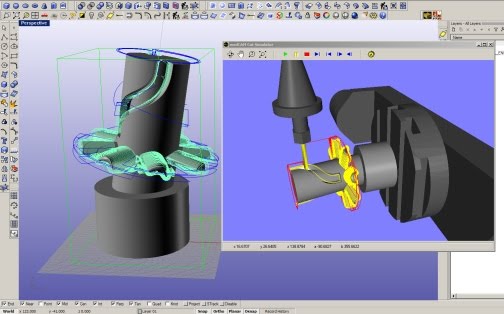
Introduction: "madCAM" is a 3D CAM plug-in for Rhinoceros. MadCAM gives the operator the ability to perform both modeling and toolpath creation inside Rhino 3D.
3D CAM for CNC-milling machines: All menus for controlling madCAM and generated toolpaths are inside Rhinoceros and stored together with your model. Developed for toolmaking (Mould And Die) as well as for prototype productions. madCAM generates a non-collision toolpath with excellent cutting action. Used where demand for accuracy and perfect surface smoothness is required.
Meant for NC-operators: MadCAM is an easy-to-use and efficient system. It facilitates effective manufacturing in a short period of time. The operator is provided with clarified results of chosen parameters. MadCAM Handles all 3d-models that Rhinceros produces and is able to process NC-codes for all kinds of 3-axis milling machines. A built-in post processor is adaptable for different kinds of controlling systems.
INDEX
Roughing:
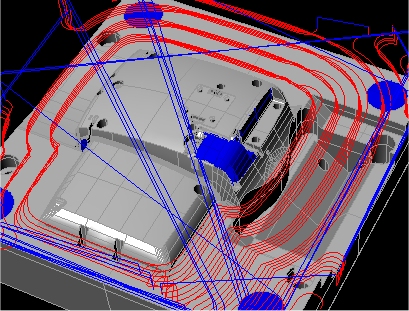
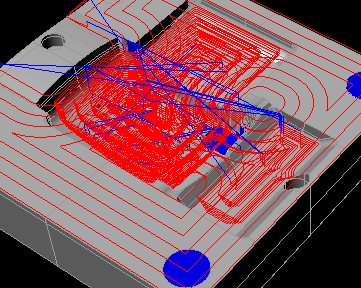
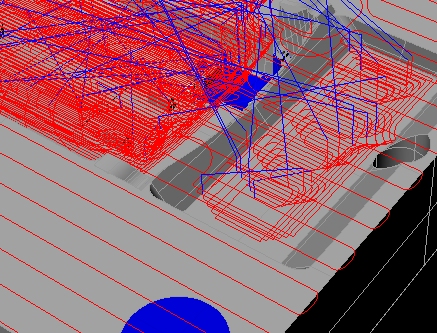
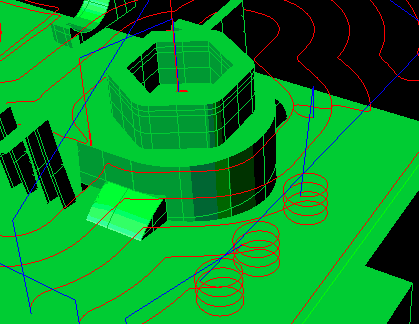
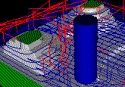
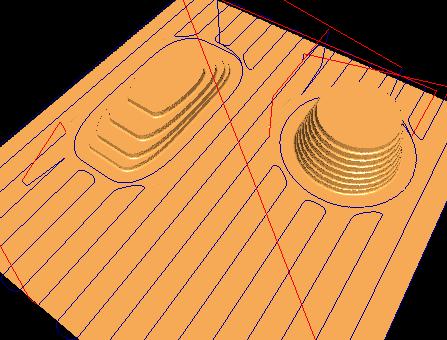
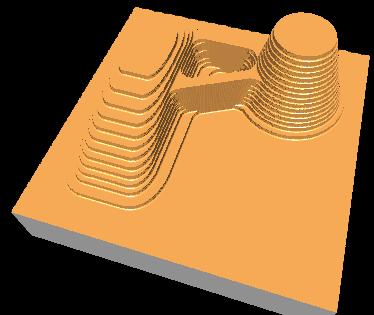
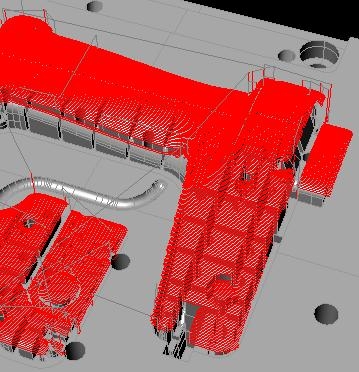
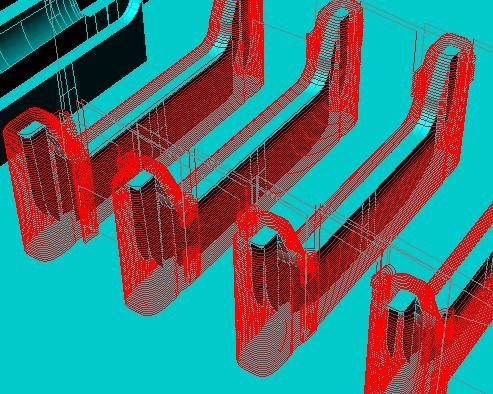
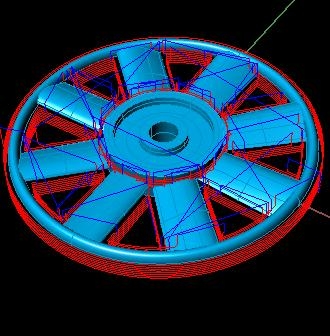
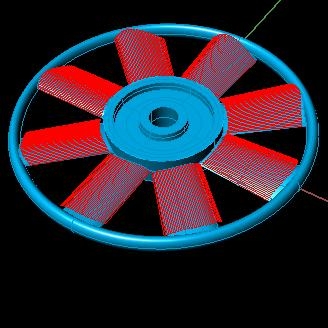
- madCAM cuts the material in z-levels which means that the workpiece that encloses the model is sliced in levels from the highest to the lowest level. The depth in each cutting level is controlled by the operator.
- madCAM creates smooth paths towards the material on every new approach of the cutter. This results in less wear of the cutter and the machine. The approach is defined by a ramp angle. madCAM automatically calculates if respective toolpaths have enough length as the ramp angle permits. Toolpaths will not be created if the length is too short as compared to the given ramp angle and cutting depth. In these cases the operator can re-machine these regions later on with a steeper ramp or with a smaller cutting depth.
| 
| 
| 
| 
| |
| 3D Facing (click) | 3D Pocketing (click) | ZigZag (click) | Lead-In (click) | Roughing Video |
Finishing:
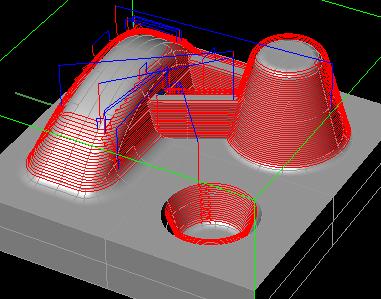
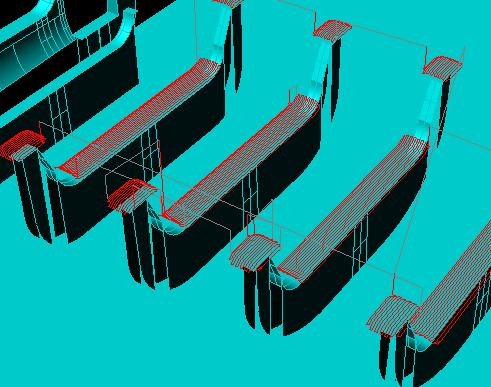
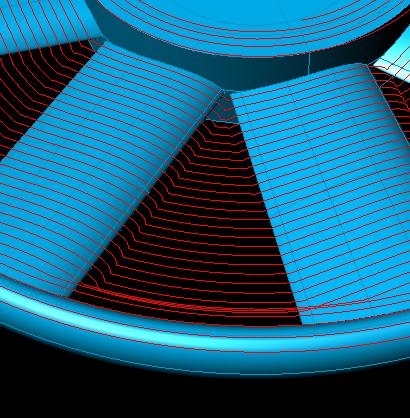
- madCAM combines two strategies for finishing. To get surface smoothness with high tolerance the cutting depth should be as
constant as possible. madCAM automatically separates surfaces that are relatively horizontal and those that are
relatively vertical respectively. The limit between vertical surfaces and horizontal surfaces is set with an angle measured
normal to the surface.
- The vertical surfaces should in most cases be machined before the horizontal surfaces, because these can be machined from
the highest to the lowest level with a constant cutting depth (water line). The constant cutting depth gives a smoother
cutting, with less vibration which results in better surface smoothness. Additionally, this method of cutting material
from the highest to the lowest level, will prevent the shaft above the cutting length of the cutter from colliding with
the un-machined material during machining of bottom surfaces.
- madCAM automatically calculates approaches and retracts for each toolpath. The approach also includes a ramp to minimize the cutter wear.
- Options:
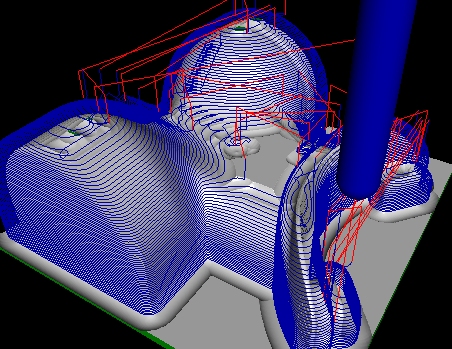
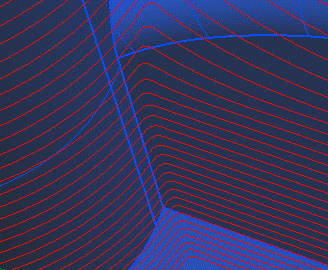
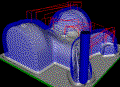
Z-level finishing Smooth Corners option:
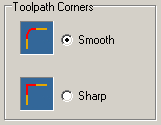
There is an option for sharp or smooth corners for Z-level finishing. If the cutter can't reach corners on the model due to cutter size, it will normally produce sharp corners on the toolpath. The smooth corners option will create fillets at those corners and make it smooth even when cutting those areas.
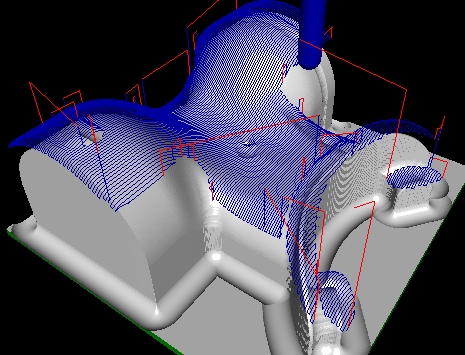
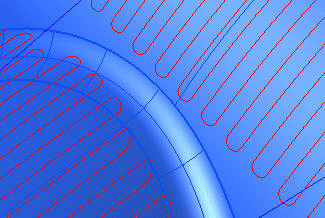
Planar finishing Blend option:
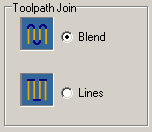
There is an option for blending when joining the toolpath curves for Planar finishing. This makes a smoother motion when cutting.
| 
| 
| 
| 
| |
| z level (click) | z level | planar (click) | planar | Finishing Video |
Remachining:
- Automatic Remachining:
- The remachining is calculated from the true stock model. It is possible to do remachining with any cutter in madCAM, Ball End, Flat End, Corner End and Taper Mill.
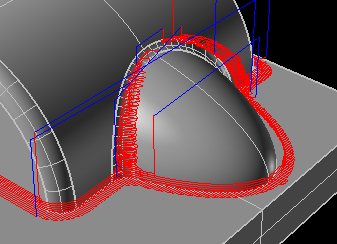
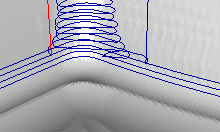
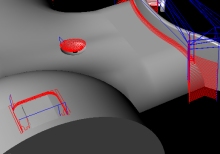
- Boundary Curves:
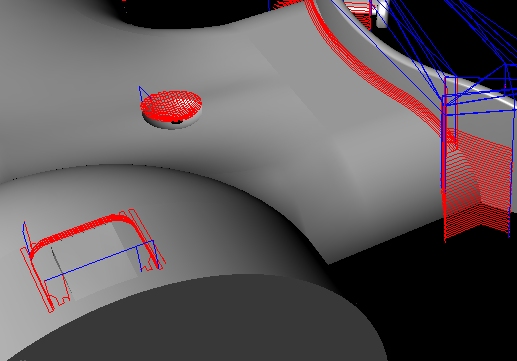
- MadCAM is able to create toolpaths inside boundary curves. These curves can be combined in a couple of different ways. MadCAM is able to apply every cutting strategy inside boundary curves.
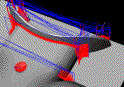
boundaries corners boundaries (click) Remachining Video
- Along Curve:
- Use the power in Rhino for creating and manipulating curves. Use Along Curves in madCAM to create tool paths that follow the curves exactly. There are options for multiple z-cuts and for curve reordering to minimize rapid traverses.
- Project Curves:
- Draw the curves in Rhino and use Project Curves in madCAM to project the curves onto the model surfaces as i toolpath-curves. MadCAM will project toolpaths for ball-end, flat-end and corner-end cutters.
- Between Two Curves:
- MadCAM machines between two selected curves and projects the toolpath on the model, from the loaded cutter geometry.
- From Boundary Curves:
- MadCAM creates and projects toolpath-curves, inside one or several boundary curves.
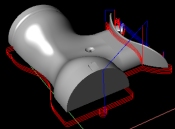
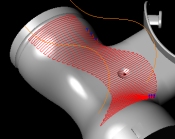
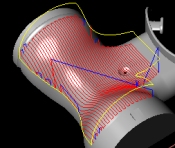
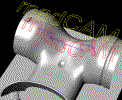
along curves project curves between curves boundary curves curve_milling
- 2-1/2 D Profiling:
- Machines can be Profiled from selected curves utilizing cutter compensation. The curves can be changed in Rhino for direction and seam point. The seam point can be moved for closed curves to make sure the lead-in has enough space for the cutter chosen.
- 2-1/2 D Pocketing:
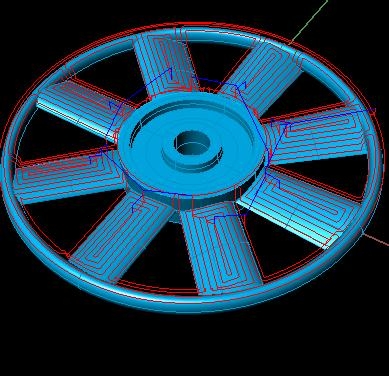
- Pocketing creates pocket machining from selected curves or edge curves. The approach is defined by a ramp angle.
- 2-1/2 D Facing:
- Facing creates several profile curves starting from an outside boundary curve and moves towards the inside contour curves.
- Drilling:
- The Drill function creates toolpaths from selected curves. The curves can be edge-curves or circles.
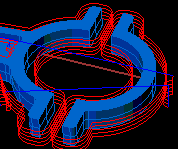
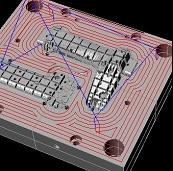
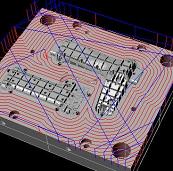
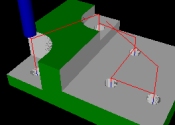
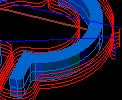
profiling pocketing facing drilling 2-1/2D machining
- MadCAM 4.2 for Rhino 4 20091124: madcam_4.2_20091124.exe
- MadCAM 4.1 for Rhino 4 20090828: madcam_4.1_20090828.exe
- MadCAM 4.1 for Rhino 4 20090415: madcam_4.1_20090415.exe
- MadCAM 4.1 for Rhino 4 20080602: madcam_4.1_20080602.exe
- MadCAM 2.0 for Rhino 3 20061221: madcam_4.1_20061221.exe
| 
| 
| 
| 
|
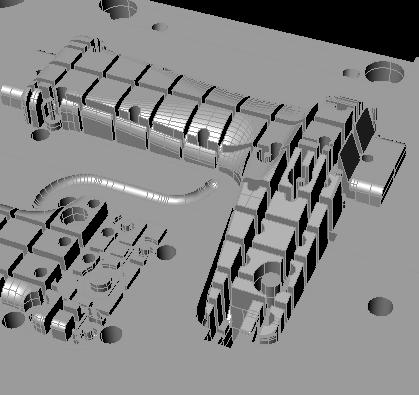
| 3d roughing level | 3d roughing | z_level finishing | planar finishing | injection mould |
| 
| 
| 
| 
|
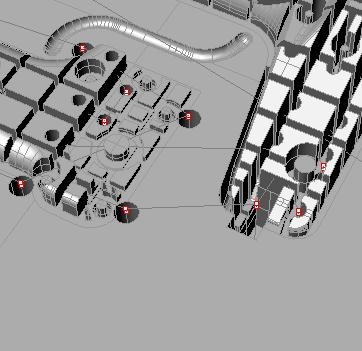
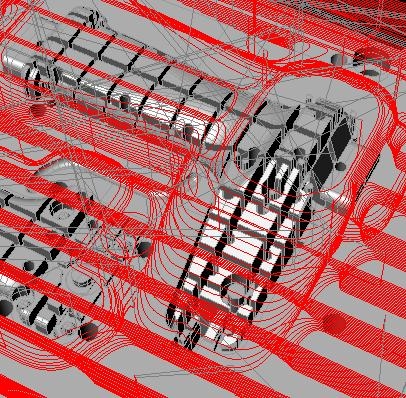
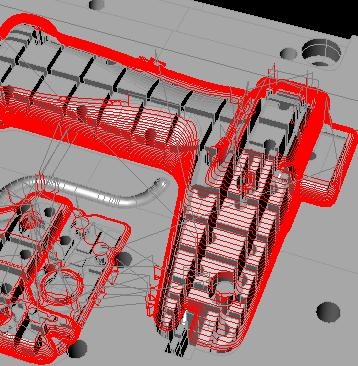
| drill | mould roughing | mould z level finishing | mould planar finishing | electrode steep machining |
| 
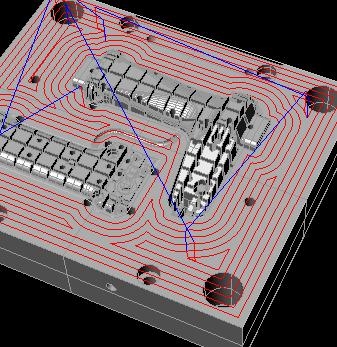
| 
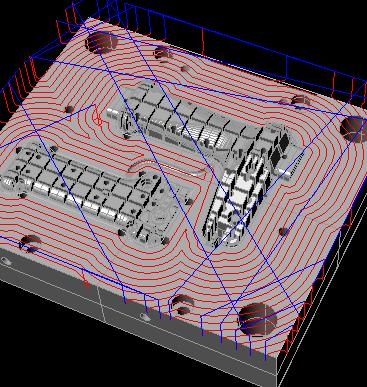
| 
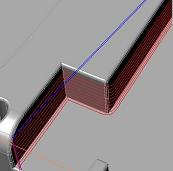
| 
|
| electrode flat machining | inside boundary machining | 2-1/2D pocketing | 2-1/2D facing | 2-1/2D profiling |
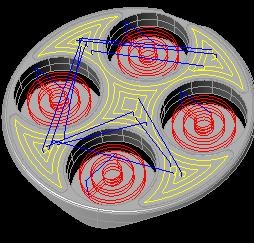
| 
| 
| 
| 
|
| 2-1/2D pocketing | z level finishing | between curves machining | project pocketing curves | project spiral curves |
| 
| 
| 
| 
|
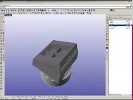
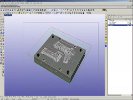
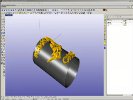
| 3D Facing | 3D Pocketing | 4 Axis Milling | 5 Axis Mold Milling | 5 Axis Toolpaths |
| 
| 
| 
| 
|
| CNC Mold Finishing | Drill Job | Four Axis Intro | Four to Five Axis | Place Part Toolpaths |
| 
| 
| 
| 
|
| Remachining | Roughing and Finishing | Stock Model Roughing | Roughing Steel | Simultaneous 4 Axis |
| 
| |||
| Two Sided Tabs | Two Sided Milling |